
Mixed typing
Chinese and English in one row
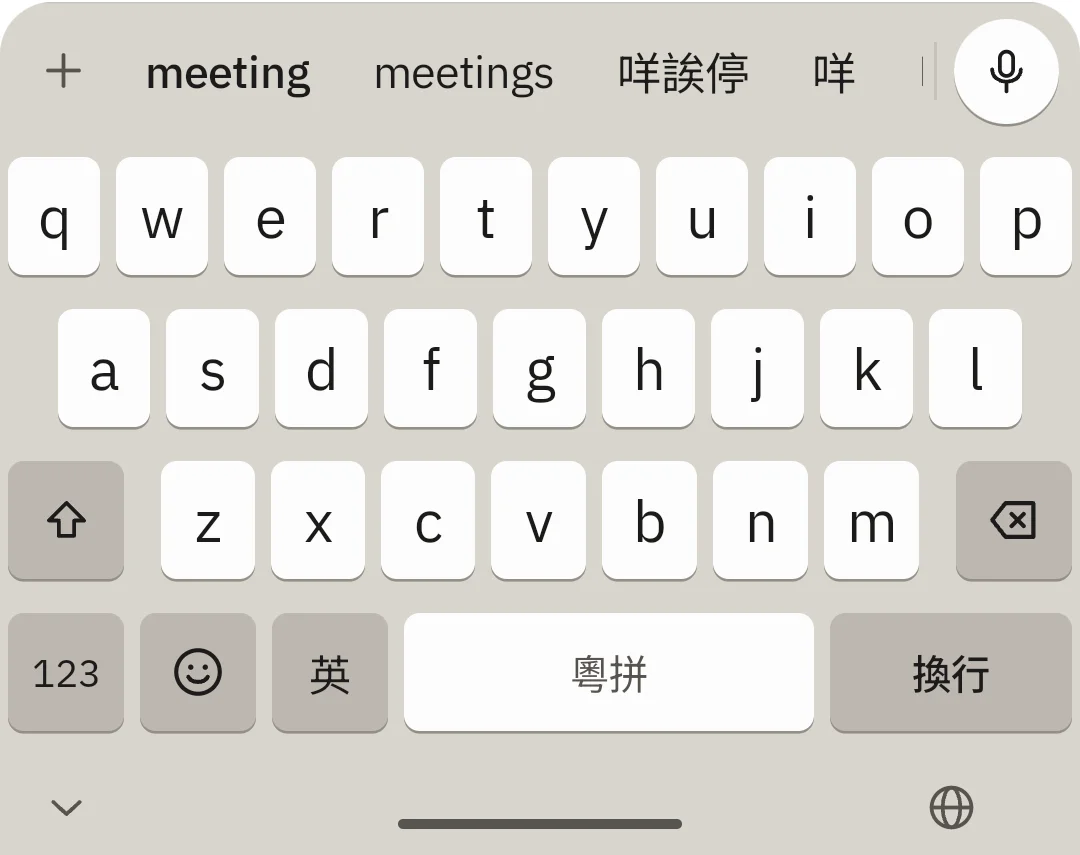
Type nei for 你, type email for email. Chinese and English candidates sit side by side, so you never switch keyboards, and the space between them is added for you
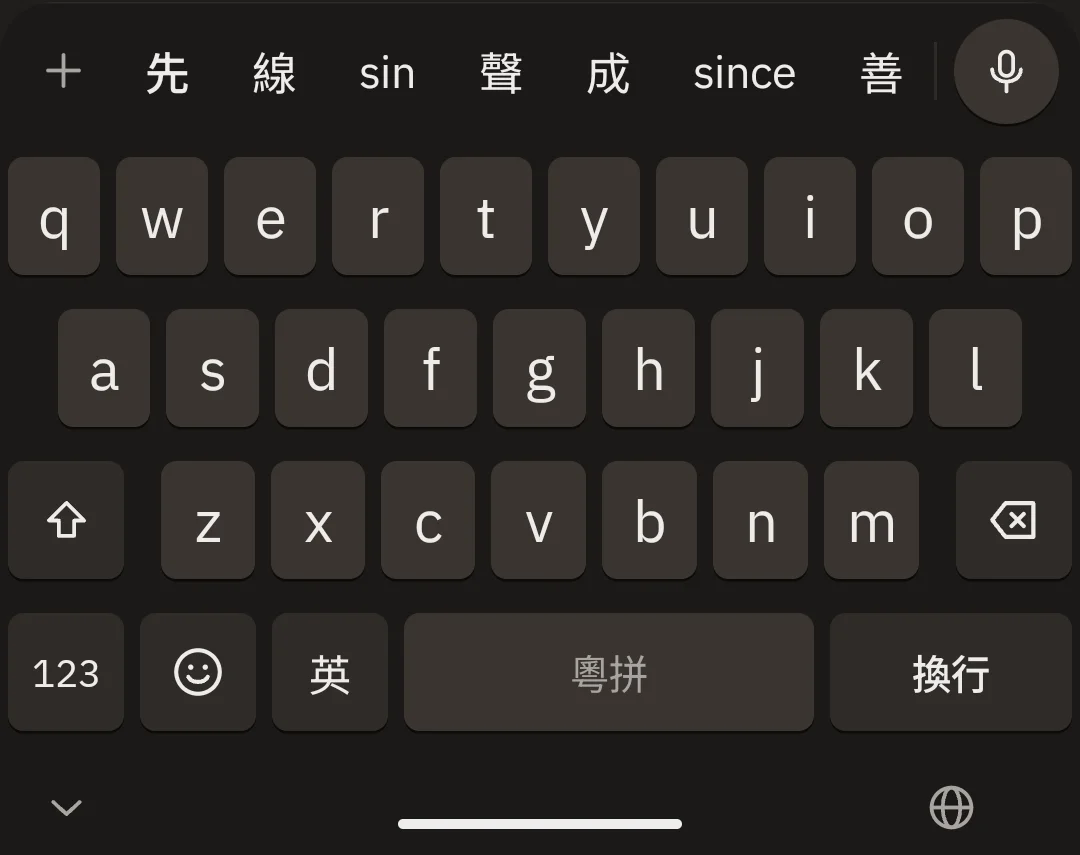
- Lazy Jyutping
- tinlau → 填漏, no tones needed
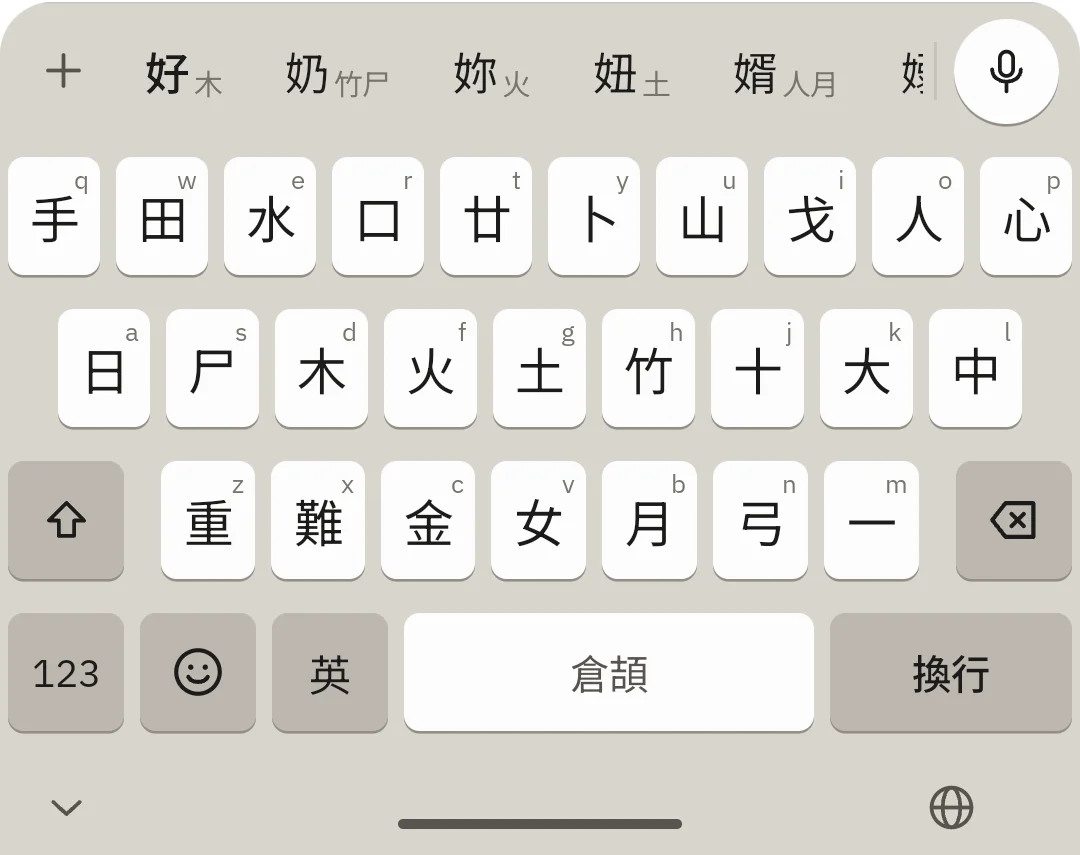
- Cangjie · Quick
- Radicals printed on the keys
- Your words
- Omucloud · Figma · Kasey
- Hong Kong glyphs
- 裏, 着, 說 — never Simplified
AI corrections
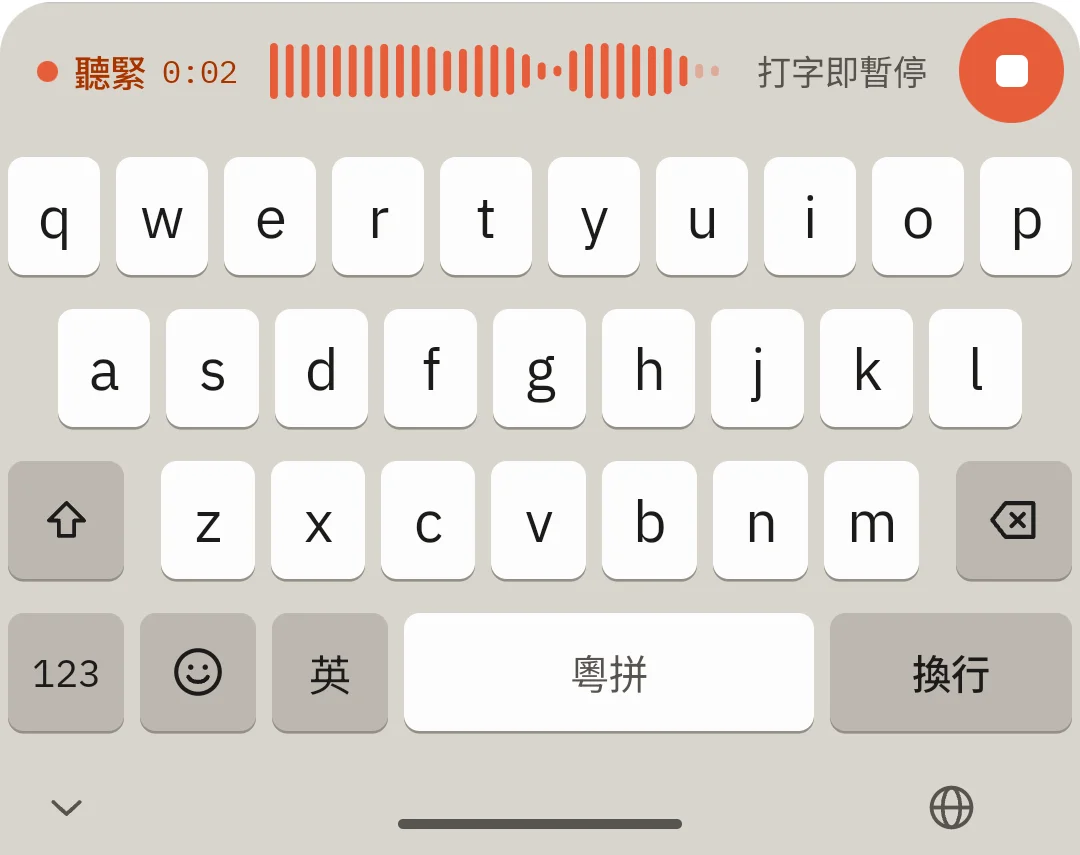
Said it wrong? Say the fix
No backspacing word by word. Just say 「唔係 Mandy,係 Wendy」 (“not Mandy, Wendy”) and OmuType changes only that word and leaves the rest alone. Wrong change? One tap undoes it
「唔係 Mandy,係 Wendy 呀」
WhatsApp · Uni group
聽晚我同 Mandy Wendy 去食飯,你嚟唔嚟?
You can also say
Swipe to delete
Delete whole words, not letters
Swipe left across the keys: the further you go, the more words go, one per step. They turn red first and only go when you let go — changed your mind? Swipe back right
- One word per step
- Chinese words and English words alike
- See it first
- Everything that will go is marked in red
- Swipe back
- Slide back right and nothing changes
Handwriting · 手寫
Two boxes.
Pick 手寫 and write Chinese with a finger in two boxes, taking turns: when one character is done, keep writing in the other box and the last one goes in by itself. No stopping to tap a candidate after every character, so a sentence comes out much faster
- Two-box writing
- Write in the next box, the last character goes in
- Over the line is fine
- The box grows round your character, never cuts it
- Hong Kong Traditional
- Read on your phone, never Simplified
- One download
- About 17 MB, then no internet needed
Your words
The more you use it, the better it hears
Names, companies and brands are what voice gets wrong. Add them to your words and OmuType matches what it hears against them, by sound. The longer you use it and the more words you add, the more it gets right. Heard it wrong? Tap the word, type it right once, and it stays right from then on
約咗 Kason 聽朝傾 Omucloud 個 demo,順手幫你買杯 Oatly




Type the way you talk
At the cha chaan teng, in the office, on the MTR platform — Hong Kong already mixes Cantonese and English. Your keyboard should keep up
Real screenshots
Typing and talking, one keyboard
Privacy
Your typing stays on your phone
Typing works offline
Jyutping, Cangjie and English are all decoded on the phone
No mic or AI in private fields
Passwords, numbers, phone numbers and incognito send nothing; names and emails get voice without AI
No recordings kept
Speech goes to a recognition service to become text; our servers keep no audio and no content
No ads, no selling data
What you type is never used for ads or sold to anyone
Mac · download by 2026, free for goodBeta
Introducing Vibe Typing: no need to know every Cangjie code
Cangjie · Quick · Jyutping · stroke
macOS 15 or later · Apple silicon
Questions
Is OmuType free?
Yes, during the beta it is free for a limited time — no account and no card.
Does typing need the internet?
No. Jyutping, Cangjie, Quick and English are decoded on the phone. Only voice and AI corrections go online.
Which input methods does it support?
Jyutping (lazy, no tones needed), Cangjie, Quick, stroke (筆劃) and handwriting (手寫), with English candidates in the same row — no keyboard switching.
Can Quick (速成) use the Windows character order?
Yes. In Settings › 中文輸入法 pick 速成, then set 排字 to 跟 Windows: each code lists its characters in Big5 order exactly as Windows Quick does, 9 to a page, picked with 1–9 (after the two letters, Q to O are 1 to 9), and space shows the next page. The default, 智能排序, puts common characters first and reads whole words.
Can I write Chinese by hand?
Yes. Pick 手寫 under 中文輸入法 and write with a finger in two boxes, taking turns: keep writing in the other box and the last character goes in by itself, so you never stop to pick each one. Recognition runs on your phone and never gives Simplified; the first time, a recognition model of about 17 MB downloads, then no internet is needed.
Can anyone see what I type?
What you type is processed on your phone and is not sent anywhere. When you use voice, the recording and a little nearby text go to speech-recognition and AI services; our servers keep no content. Private fields such as passwords, numbers, phone numbers and incognito get no voice and no AI. See the privacy policy for the details.
Is there a Mac version?
Yes. OmuType for Mac is the first Mac input method for whole-sentence Cangjie with English mixed in, with Quick, Jyutping and stroke too. It never goes online, and a voice edition adds voice typing. Download it by the end of 2026 and it is free for good. Download it at omutype.co/en/mac.
How is OmuType related to Omucloud?
OmuType is a sister product of Omucloud, from the same company, Alano Tech. Omucloud gives you free business email on your own domain.